Now live on menuqr.codes


Digital Menu. One Scan. Done.
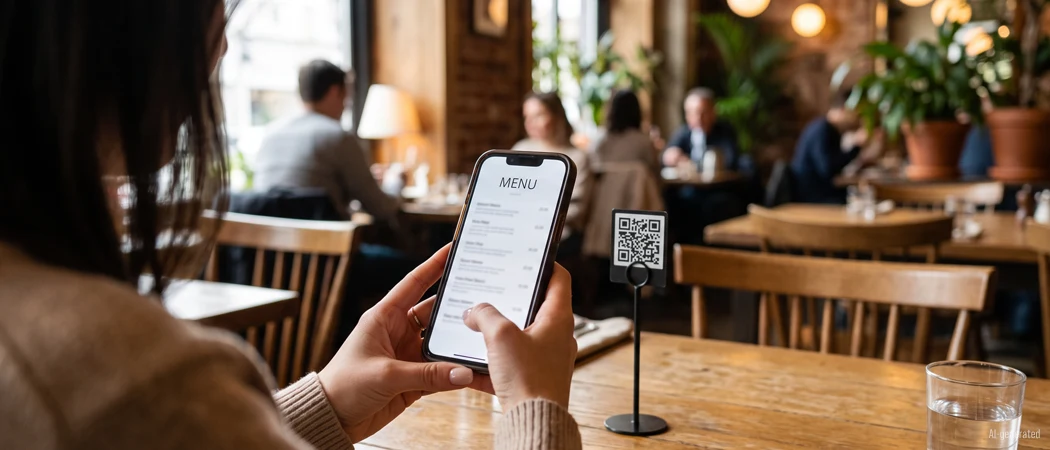
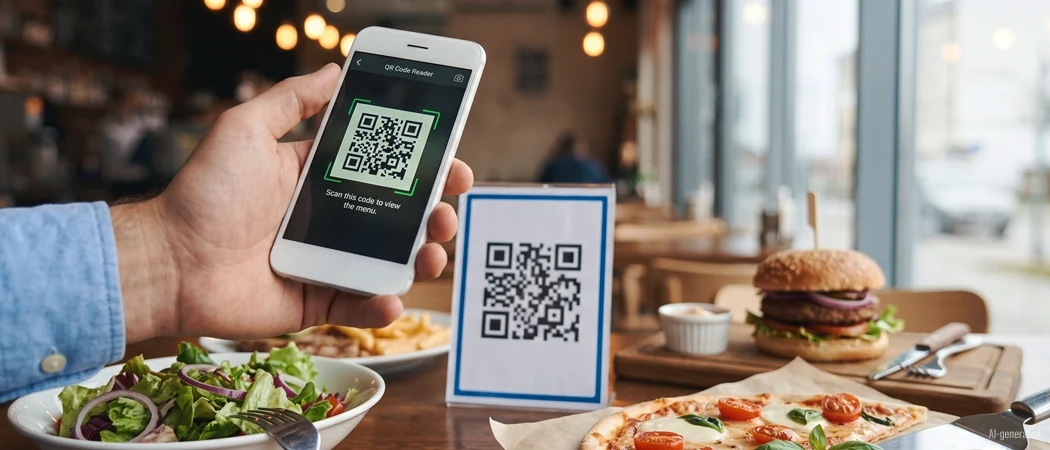
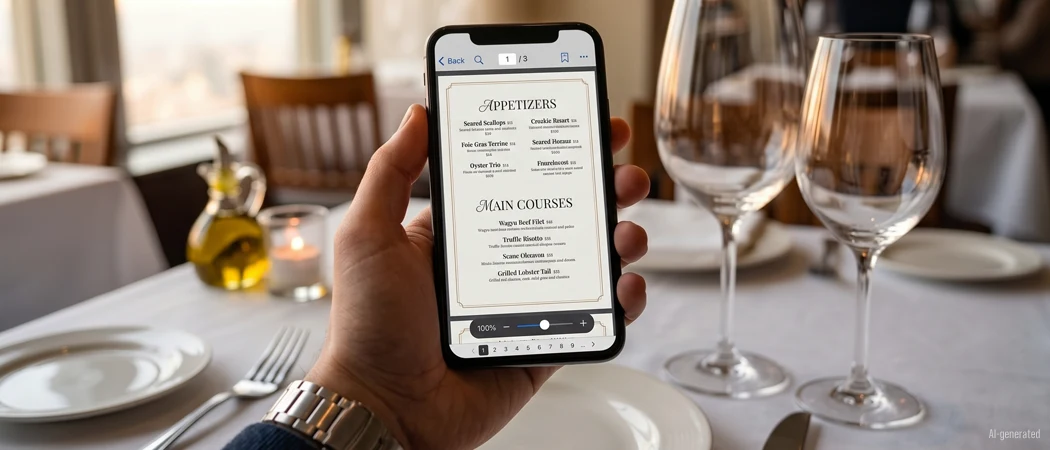
menuQR turns your PDF menu into a QR code with a public menu page. Guests scan at the table — no app, no download, no paper.
The key benefits of menuQR
Menu online
in minutes
in minutes
New prices,
no reprint
no reprint
Your own
QR design
QR design
When guests
really come
really come
No lock-in.
Cancel anytime.
Cancel anytime.
Menu QR Code Generator
Create a QR code for your restaurant menu in three steps: upload your PDF, generate the code, print it for your tables.
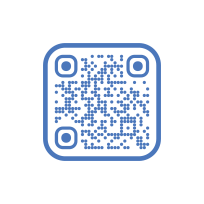
Upload Your Menu PDF
Select any PDF format — menuQR automatically creates your digital menu page. No formatting or conversion needed.
Generate QR Code Instantly
Your QR code is created in seconds — download, print at any size, place on table stands, menu holders, or counter signs.
Design Your Own QR Code
Six ready-made templates or full control: the shape of modules and markers, foreground, background and frame color, corner radius and frame width. On the Enterprise plan, your logo goes in the middle of the code.
Update Anytime — Code Stays
Change prices, swap seasonal menus, add new dishes — just re-upload the PDF. Your QR code stays the same, no reprinting needed. Guests always see the latest version.
Everything you need — nothing you don't.
Upload the PDF, print the QR code, read the numbers: menuQR bundles everything your menu needs digitally — in one tool, no extra software.
Upload your menu
As PDF, online in minutes.
QR code generator
Print-ready at any size.
QR code design
Templates, colors and shape.
Guest view
The menu your guests see.
Analytics
When your guests open the menu.
Data export
Figures as CSV, PDF or email.
Multiple menus
Lunch, dinner, English — kept apart.
SEO & branding
Your brand at the table and online.
Your guests tell you when they arrive
Every open of your digital menu is counted — by time of day, weekday and month. You see exactly when your place is being read. No extra tool, no setup.


Spot your peak times
Opens by time of day and weekday: you see whether your menu is read at noon or at eight — and you staff the floor accordingly.
Compare your menus
Lunch menu, dinner menu, English menu? Every menu carries its own numbers: opens, average reading time and month-on-month change, side by side.
Measure what worked
Total opens and the change versus last month in percent. So you can tell whether a new design, a dish or a promotion actually changed anything.
Take the numbers with you
Export every figure as a CSV or PDF report — for your own analysis or your next team meeting.
The demo in 60 seconds. See How It Works.
The flow from PDF to digital menu — in half a minute.
Digital menu options compared
Printed PDF, native app or QR code: what guests at the table actually need.
| Feature | Printed PDF | Native app | menuQR |
|---|---|---|---|
| Guest access | Print only, no link | Installation required | Scan the QR code, opens in the browser |
| Updating a menu | Reprint required | Wait for an app release | Live instantly, no printing |
| Allergens and prices | As current as the print | Depends on the release | Always live |
| Traffic insights | Not possible | Needs an extra SDK | Basic analytics included |
| Cost | Printing per run | Development and upkeep | 7 days free, then from €29/month |
Fair Prices for Every Restaurant
7-day free trial — all features included. Monthly subscription, cancel anytime.
Starter
Free 7-day trial
€0 for the trial period
- QR code generator
- 1 Digital Menu
- Basic analytics dashboard
- QR code design (incl. templates)
Popular
Professional
For companies with multiple menus
€29 per month · excl. VAT
- All features from the Starter plan
- max. 3 Digital Menus
- Advanced analytics dashboard
- Data export in CSV and PDF format
- Heatmap (scan time reporting)
Enterprise
For companies with multiple locations
€49 per month · excl. VAT
- All features from the Professional plan
- Unlimited Digital Menus
- Full analytics dashboard
- Analytics data export via email
- Logo branding in the QR code
- Premium support
Blog à la carte
Our house recommendation: fresh tips, current trends, and practical knowledge on digital menus and QR codes in the restaurant industry.

Frequently Asked Questions
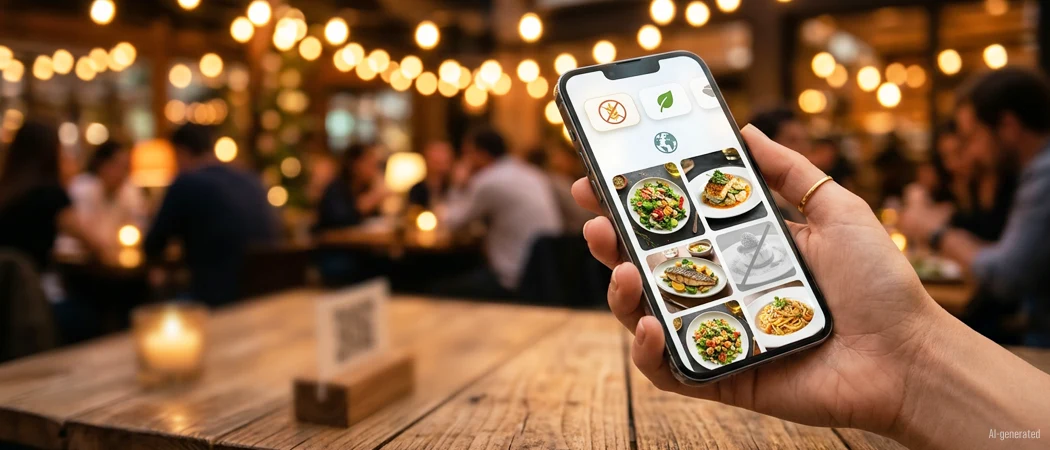
For restaurants, cafés, bars, and anyone who wants to offer their guests a digital menu — without technical effort and without forcing guests to install an app.
No. Simply upload your existing PDF — menuQR handles the rest.
You decide: Either subscribe to menuQR — or your account will be paused. No automatic transition, no trap.
The trial includes one menu. Professional includes up to three menus, Enterprise an unlimited number. Prices and all plan features are listed in the pricing overview.
You can manage your subscription at any time from your account settings. Canceling your subscription will stop future charges, and you will keep access to your current plan features until the end of your current billing period.
Yes. Your menus and restaurant data are stored securely on encrypted servers. We do not sell or share your data with any third parties.
Your guests are ready for digital.
Is your restaurant?
One PDF, one upload, one QR code — and your menu is everywhere your guests are.
Start Free Now